
How to Get 1,500 Free Credits on Genspark (Official Guide)
Table of Contents
Do your Genspark credits run out too quickly? Good news: Genspark is running an official campaign that lets you earn bonus credits for free. Both free and paid users are eligible, and you can earn up to 500 bonus credits at no cost. This article walks you through the process step by step with screenshots.
Key Takeaway
Genspark's official "Get started · All Free" campaign lets you earn up to 500 free credits just by completing simple tasks. Available to all users, regardless of plan.
What Is Genspark's Official Credit Grant Campaign?
Genspark has an official initiative called "Get started · All Free." By completing tasks like following Genspark on X, creating a slide deck, or building a spreadsheet, you earn 100 credits per task. There are 5 credit-eligible tasks in the menu, so completing all of them gets you 500 credits in total — for free.
💡 Available to Both Free and Paid Users
All users qualify regardless of plan. For free users in particular, 500 bonus credits is a significant boost — stacked on top of your daily free credits, it stretches your usage considerably.
Step 1: Access Genspark from a PC Browser
The campaign menu appears only when accessing Genspark from a PC browser. The gift icon is not visible on mobile, so please visit the Genspark official site from a desktop or laptop browser.
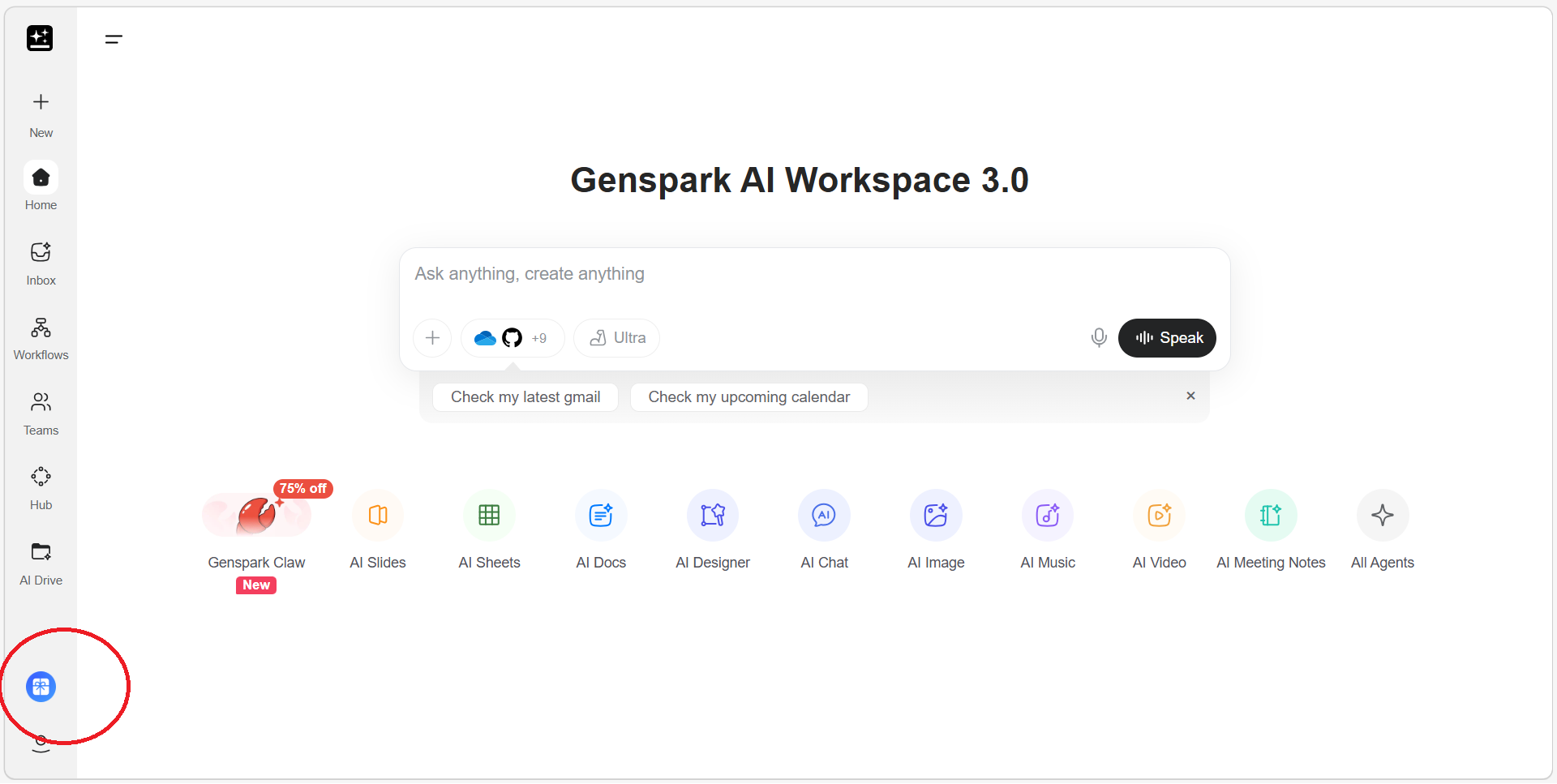
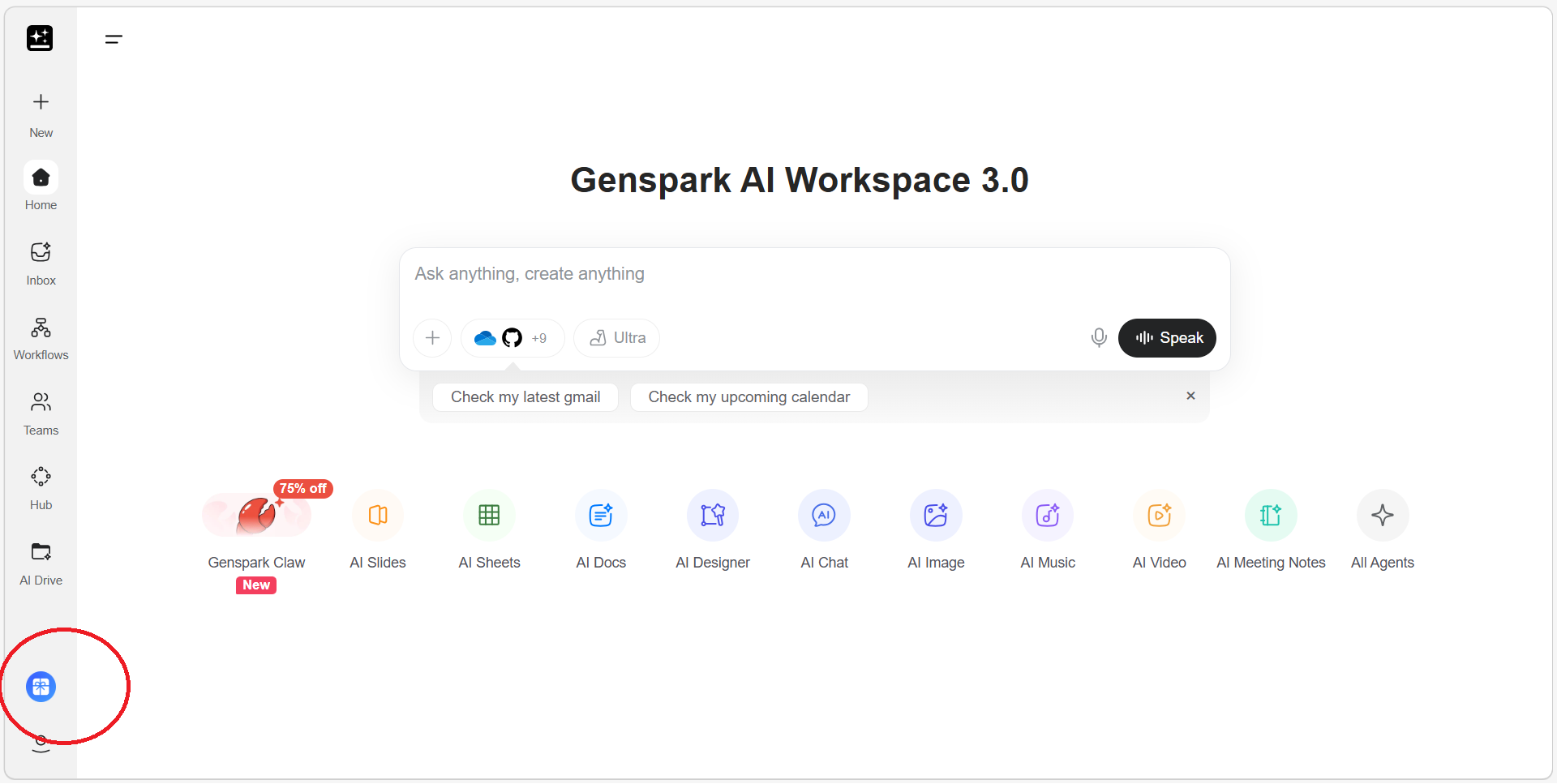
Once logged in, look for a gift-box icon in the bottom-left corner of the home screen. The red circle in the screenshot below highlights this icon.
Step 2: Click the Gift Icon to Open the Menu
Clicking the gift icon opens the "Get started · All Free" menu.
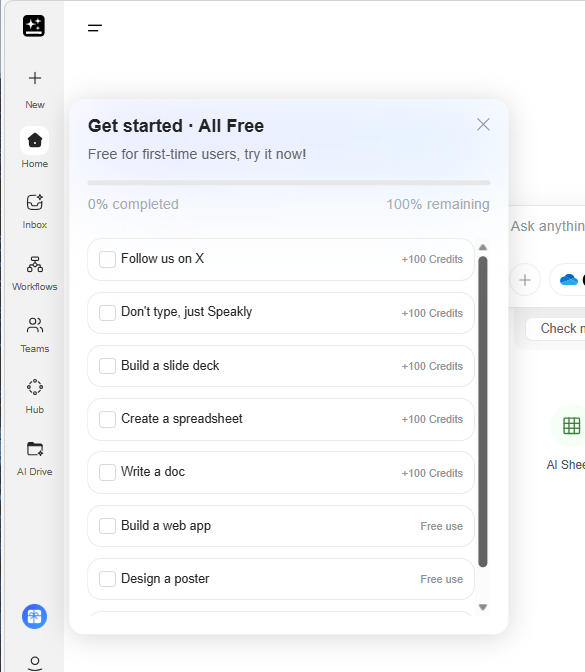
The menu lists the following items. The top 5 are credit-eligible tasks (+100 credits each); the rest are labeled "Free use."
- Follow us on X → +100 credits
- Don't type, just Speakly → +100 credits
- Build a slide deck → +100 credits
- Create a spreadsheet → +100 credits
- Write a doc → +100 credits
- Build a web app → Free use
- Design a poster → Free use
Step 3: Complete Tasks to Earn Credits
Clicking any task opens the corresponding feature page or social media page. Just follow the on-screen instructions — none of the tasks require technical skills, and each one takes only a few seconds to complete.
Complete All 5 Tasks for 500 Credits!
Finishing all 5 credit-eligible tasks adds 500 free credits to your account. For free plan users, that's the equivalent of 5 days' worth of daily free credits (100/day). Don't leave credits on the table — do them all.
Tried It Myself: Earned 100 Credits by Following on X
I clicked "Follow us on X" at the top of the list. It opened Genspark's official X page — all I had to do was hit the Follow button.
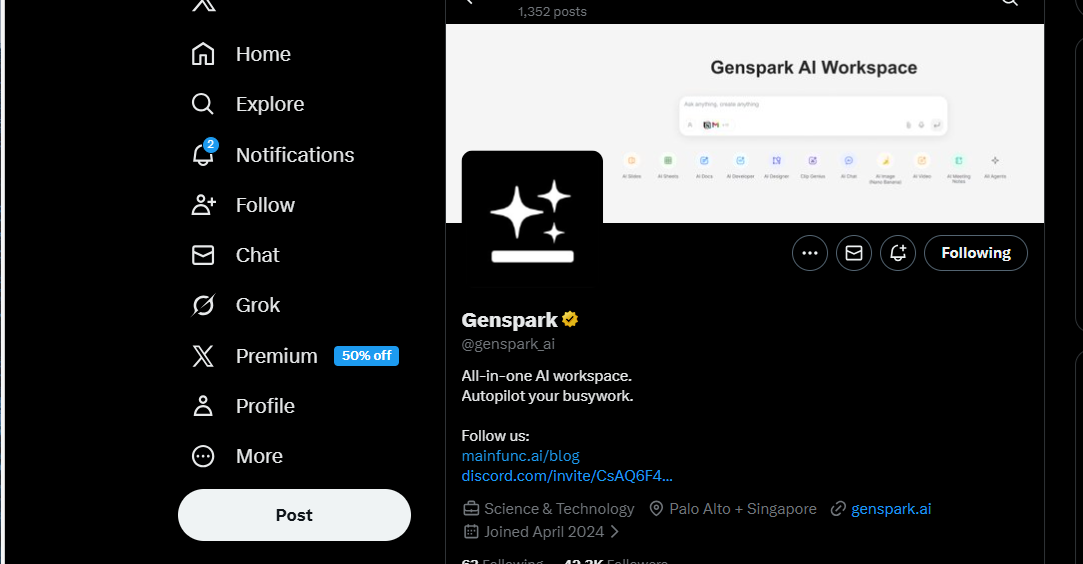
After following, I returned to Genspark and found that 100 credits had been added immediately. As a paid user, I started with 10,000 credits — now I had 10,100 credits.
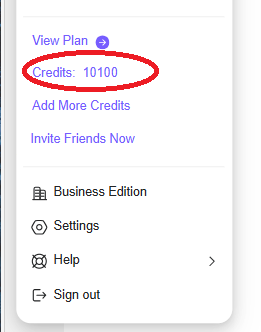
Credits Are Reflected Almost Instantly!
Once you complete a task and return to Genspark, your credit balance updates right away. Click the user icon in the top-right corner to check your current balance.
Combine with an Invite Code for Up to 1,500 Credits
For free users, pairing this campaign with a referral invite code is highly recommended. Using an invite code gives you an additional 1,000 credits — combined with the 500 from this campaign, that's 1,500 credits total, all for free.
Get 1,000 Extra Credits with an Invite Link
Signing up via the invite link below grants 1,000 bonus credits. Combined with the 500-credit campaign, free users can start with 1,500 credits total. For more details, see our full guide on invite codes (Article 74).
Invite link: Join via this invite link (1,000 credits included)
⚠️ Note: The 1,000 credits granted via invite code are treated as gift credits and will expire 3 months after issuance. Plan your usage accordingly. For a rough guide on how many credits different features consume, see this article.
Total Free Credits for New Users
Invite code registration: +1,000 credits
Official campaign (all tasks completed): +500 credits
Daily free credits: +100 credits/day
──────────────────
Total: 1,600 credits on day one alone — plenty to try AI slides, AI video, AI chat, and more.
Joining Genspark via the invite link gives you 1,000 bonus credits. Existing free accounts are also eligible.
For PowerPoint slide export, top-tier AI models, commercial use rights, and more — upgrade here. I personally use the Plus annual plan ($19.99/month) — about 20% cheaper than monthly billing.
Summary
Genspark's "Get started · All Free" campaign is a credit giveaway open to all users — free and paid alike. Just open the gift icon menu from a PC browser, complete 5 simple tasks, and earn up to 500 free credits. Free users who also use an invite code can start with 1,500 credits or more.
The Gift Icon May Not Appear on Mobile
We confirmed that the gift-box icon is visible only in the PC browser version. If you're accessing Genspark on a smartphone and don't see it, try again from a desktop or laptop browser.
![Genspark's AI Video Generation: A Comprehensive Review – How It Differs from Sora 2 and Veo 3 Integration [2026 Edition]](/images/articles/83-ai_video_generation-en.png)